Free · v2.1 · Installable app

NO MAN'S SKY THEME PACK

↕ tap title to switch font · now showing: NMS font

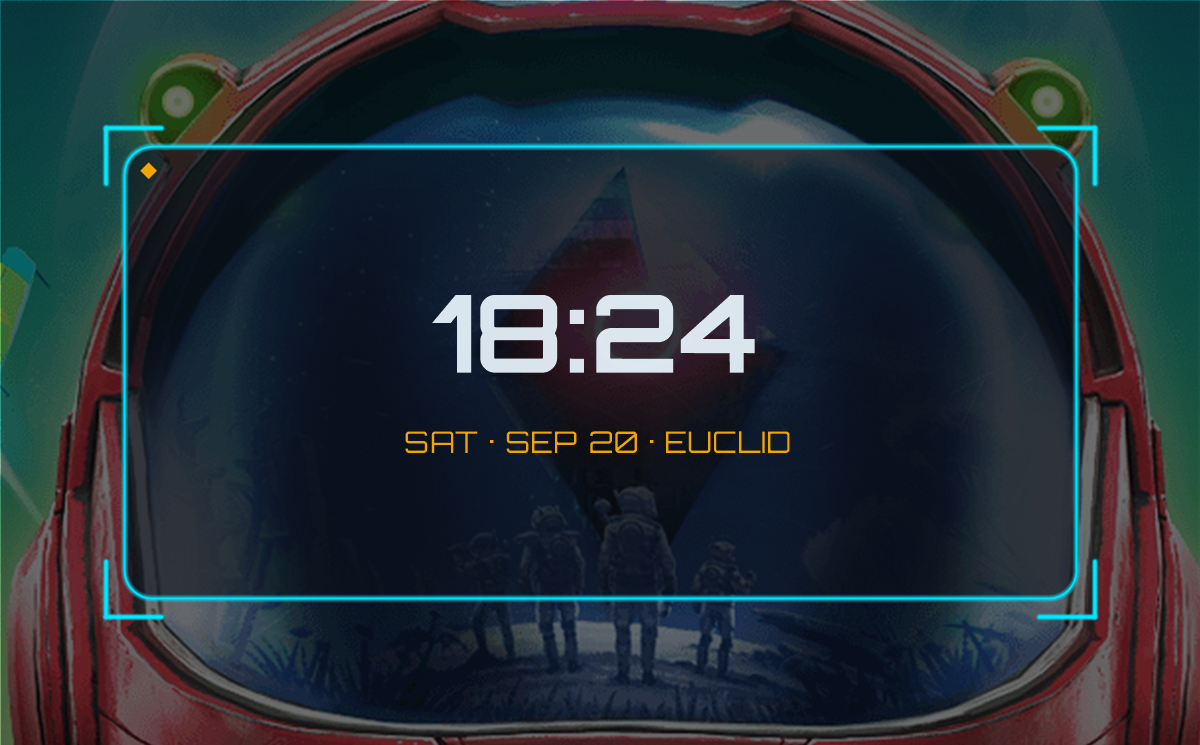
Make No Man's Sky yours: your Traveller name and portal glyphs on a wallpaper (on our art or your own picture), today's real planet and the expedition countdown. Plus 79 hand-themed icons for Android, iPhone, Windows, Mac & Linux, wallpapers, charging animations and a custom NMS font.

79 icons 5 platforms 17 wallpapers 5 charging clips 100% free No account needed
⟁ More elegra1965 NMS projects
21:42
Traveller · Euclid Galaxy
79 ICONS 7 SIZES EACH PNG · TRANSPARENT
New

Traveller's Personalised HUD

Your name & glyphs on our art or your own picture · planet of the day · expedition countdown
▾

Your Traveller, on your home screen. Made on your device, free.

New

Widgets

Live clock, home portal info and planet scan
▾

Ready-made NMS widgets — nothing extra to install. Open one, then use your browser's Add to Home screen and it opens straight to that widget, live. Works on Android, iPhone and desktop.

5 widgets ready, with more to come
Show the 5 widgets already made
NMS ClockExosuit StatusPlanet ScanHome PortalExpedition

Requests go to the pack's GitHub page. Most-requested widgets get built first.

💡 These are live mini-apps on your home screen. A real resizable widget that sits on the home screen needs either KWGT (How to apply → Widgets tab) or a proper app from the Play Store.
The font

Write in No Man's Sky

The pack includes the NMS alphabet as an installable font. Type anything below to see it rendered live, or use the chart to map each glyph to its letter.

Live translator
Letters A–Z, digits 0–9, period and colon are supported.
A
A
B
B
C
C
D
D
E
E
F
F
G
G
H
H
I
I
J
J
K
K
L
L
M
M
N
N
O
O
P
P
Q
Q
R
R
S
S
T
T
U
U
V
V
W
W
X
X
Y
Y
Z
Z
0
0
1
1
2
2
3
3
4
4
5
5
6
6
7
7
8
8
9
9
PERIOD
.
COLON
:
SPACE
 
Before / after

Drag to transform

Slide the handle to see your home screen become a No Man's Sky terminal. Stock icons on the left, the full NMS Theme Pack on the right.

StockDefault icons
NMS ThemedNo Man's Sky Theme Pack
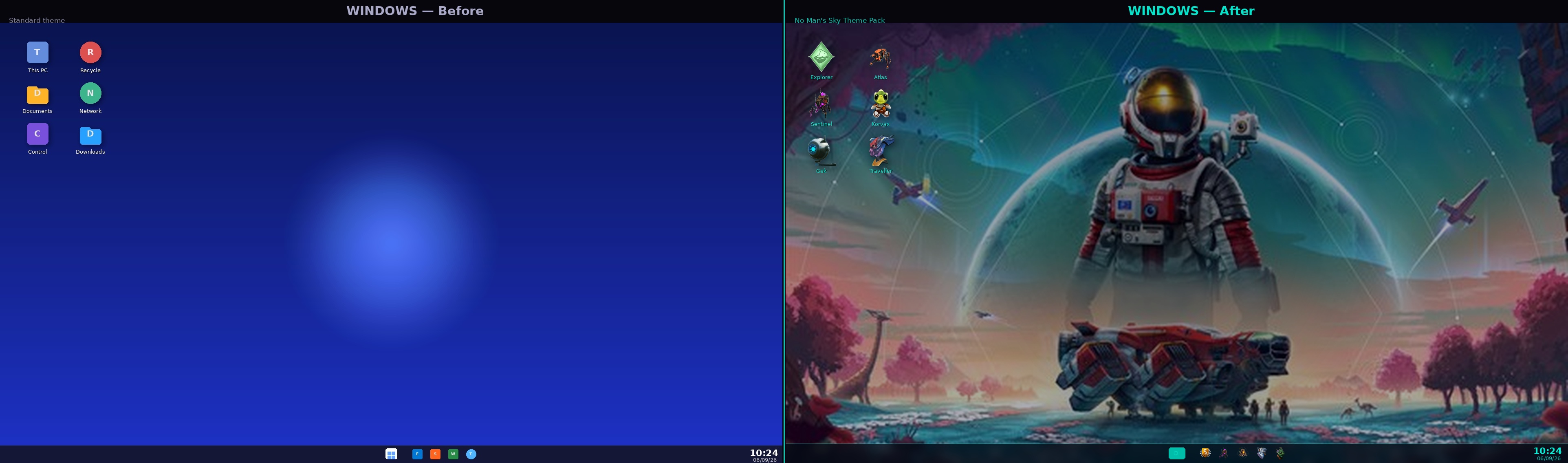
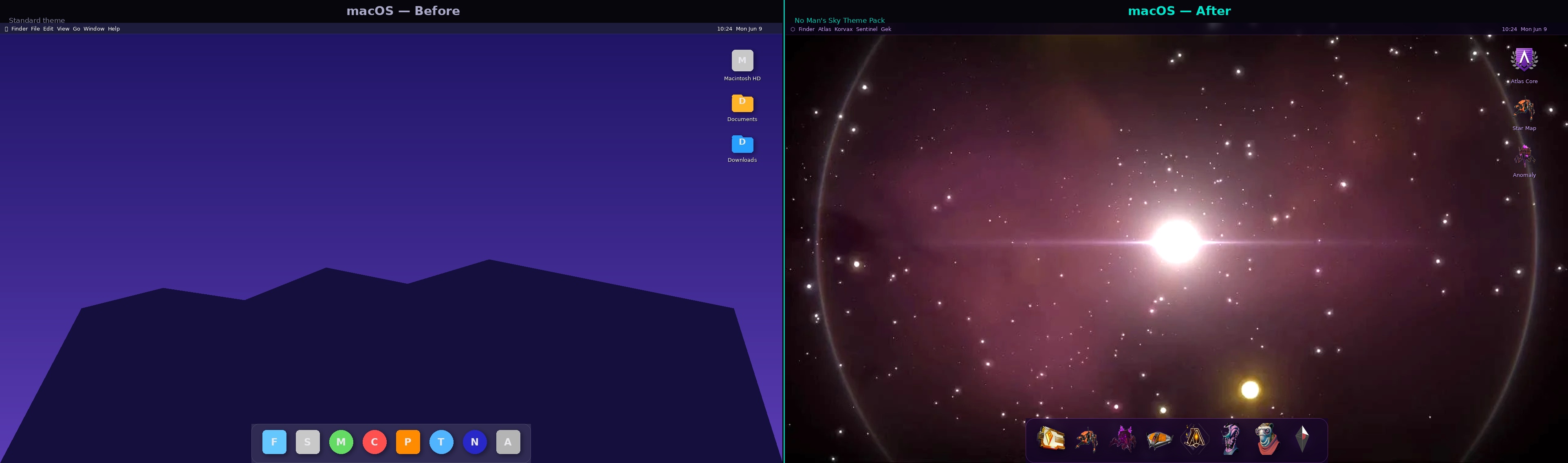
Windows & Mac

Your desktop, transformed

Replace your stock folder and file icons with NMS pack art. Every icon comes in .ICO (Windows) and .PNG (Mac & Linux) format.

Windows
Windows desktop before and after NMS Theme Pack
macOS
macOS desktop before and after NMS Theme Pack
Click me to
scan for menus
Click me to
scan for menus
The pack

Everything in one drop

▾

A complete sci-fi customization suite — not just icons. All free, no account, works offline once installed.

🛸

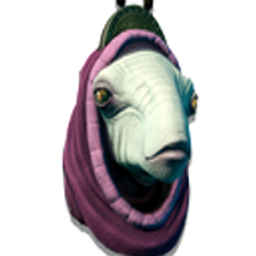
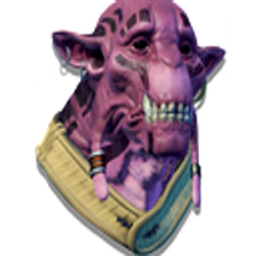
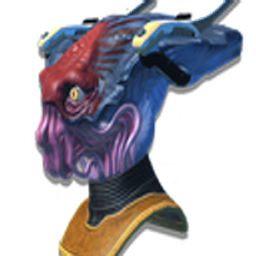
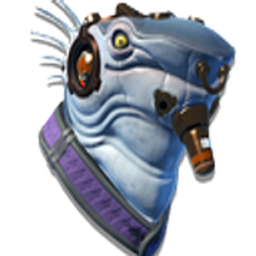
79 Themed Icons

Hand-built No Man's Sky icons, each exported in multiple sizes as transparent PNGs — ready for Android, iPhone, Windows, Mac & Linux. A curated set inspired by NMS characters, ships and lore — not a full app replacement, but a distinctive themed highlight pack.

🖼️

Wallpaper Pack

17 wallpapers across 6 resolutions for phone and desktop, tuned to the palette.

⚡

Charging Animations

5 watermark-free MP4 charging screens for Android & iOS.

🔤

Custom NMS Font

The NMS-style alphabet as an installable TTF — type in the NMS alphabet anywhere.

📖

Setup Guides

Step-by-step guides for Android, iPhone, Mac & Windows, plus a launcher mapping file.

📲

Installable PWA

Add the whole thing to your home screen as an app — fast, offline, no store needed.

Live preview

Your actual icons — live

▾

A live look at the real pack. Change the backdrop and tile size — tap any icon to copy its filename.

⤢ Full phone preview
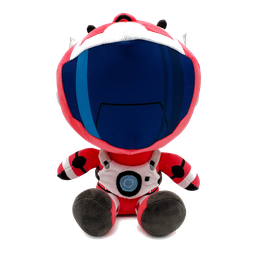
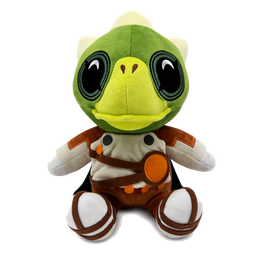
Plush Red
Plush Green
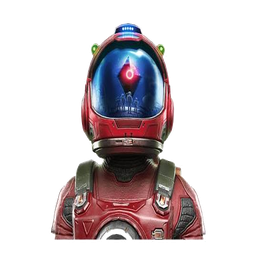
Helmet
Diamond Dark
Diamond Gold
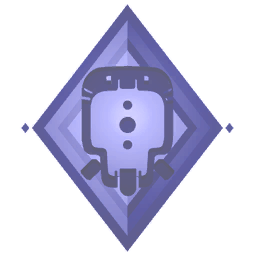
Diamond Purple
Ship Yellow
Yellow Block
Diamond Green
Gold Card
Shield Purple
Shield Gold S
Shield Blue B
Shield Green C
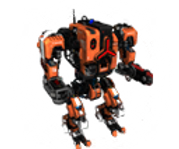
Robot Biped
Robot Quad
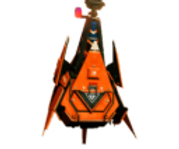
Ship Cone
Robot Mech
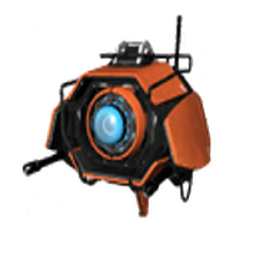
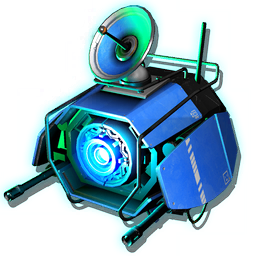
Drone Eye
Spider Dark
Spider Purple
Spider Pixel
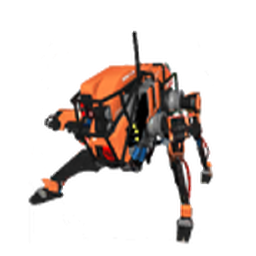
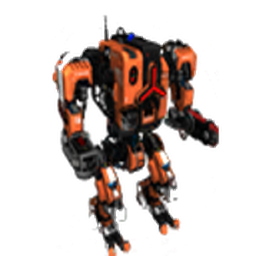
Mech Orange
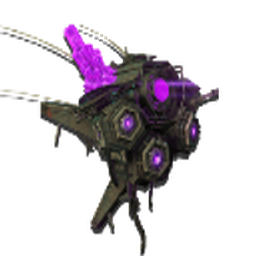
Drone Purple
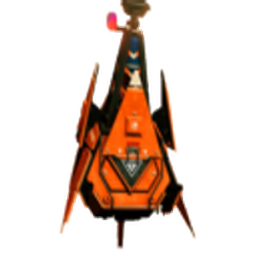
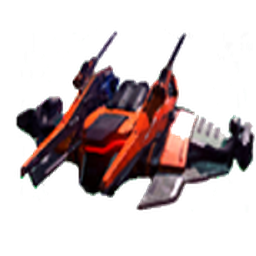
Ship Orange
Diamond Grey
Wing Orange
Gold Card2
Alien Head
Lizard Head
Robot Head
Logo Gold
Diamond Copper
Turret Purple
Camera Drone
Robot Badge
Owl Head
Alien Mask
Sheep Head
Skull Purple
Alien Blue
Horse Mech
Frog Head
Bulldog Head
Alien Blue2
Horse Mech2
Brain Alien
Helmet Teal
Spider Mech
Brain Alien2
Tree Head
Lizard Green
Symbol Gold
Atlas Pass
Sentinel
Interceptor
Walker
Quad
Sentinel Ship
Hardframe
Summoner
Flare
Gek
Korvax
Vy'keen
Apollo
Artemis
Nada
Polo
Null
Telamon
The Construct
Harmonic Seal
Mission Portal
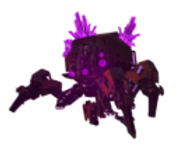
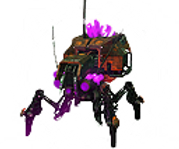
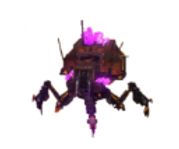
Arachnid Large
Arachnid Medium
Arachnid Small
Corrupted Sentinel
Title Unlocked
Ready-mapped for 40 popular apps on Android launchers
Show the 40 apps already covered
AmazonApple MusicCalculatorCalendarCameraChromeClockDiscordDisney+DriveExcelFilesGmailGoogle FitInstagramKeepMapsMessagesNetflixOutlookPhonePhotosPlay StorePodcast AddictRedditSamsung HealthSettingsSnapchatSpotifySteamTelegramTikTokVLCWalletWazeWhatsAppWordX (Twitter)YouTubeYouTube Music

Requests go to the pack's GitHub page. Most-requested apps get added in batches.

Setup

How to apply

▾
1
Install a Custom Launcher

Get Nova Launcher, Niagara or Lawnchair from the Play Store — all free.

2
Set It as Your Default Launcher

Tap the Home button — Android should ask which app to use. Pick your new launcher and tap Always. If it doesn't ask, go to Settings → Apps → Default apps → Home app and pick it there.

3
Download & Unzip the Icon Pack

Unzip the Complete Icon Pack to your phone storage using a file manager like Files by Google.

4
Apply the Wallpaper

Long-press the home screen → Wallpapers → choose the mobile wallpaper from your files.

5
Change Any App Icon

Long-press an app → Edit → tap the icon → Pick image → browse to your PNG.

💡 Best icon size for Android home screens: 128px or 256px.
1
Open the Shortcuts App

It's pre-installed on every iPhone. Search for it if you can't find it.

2
Create a New Shortcut

Tap + → Add Action → search Open App → choose the app.

3
Set Your Custom Icon

Tap ⋯ → Add to Home Screen → tap the icon → Choose Photo → select your PNG.

4
Apply the Wallpaper

Save the mobile_iPhone wallpaper to Photos → Settings → Wallpaper → Add New Wallpaper.

⚠️ iOS shows the Shortcuts app briefly when tapping a custom icon — an Apple restriction. Use 256px or 512px icons for sharpest results.
1
Find the App in Finder

Open Finder → Applications → locate the app you want to customize.

2
Open Get Info

Right-click the app → Get Info (or press ⌘I).

3
Replace the Icon

Click the small icon top-left of the Info window, then drag your PNG onto it (or copy/paste).

💡 Use 512px icons on Mac for crisp Retina display results.
1
Right-click a Shortcut

Right-click any desktop shortcut → Properties.

2
Change Icon

On the Shortcut tab click Change Icon → Browse.

3
Select Your Icon

Pick a .ico file (convert the PNG first if needed) → OK → Apply.

💡 Windows shortcuts need .ico format — convert the 256px PNGs with a free online converter.

Set any NMS animation as your lock screen wallpaper automatically every time you plug in. Works on Samsung via Modes & Routines. iPhone setup coming soon.

Android — Samsung Modes & Routines
1
Open Settings

Go to your phone's Settings app and scroll down to Modes and Routines.

2
Go to Routines → tap +

Select the Routines tab at the bottom, then tap + in the top right to create a new routine.

3
Set the trigger

Tap Add condition → Charging status → select Charging (tick both Wired and Wireless) → Done.

4
Set the action

Tap Add action → Change Lock screen wallpaper → browse to your NMS MP4 file and select it.

5
Optional: keep screen on

Add a second action: Always On Display → set to On / Always so the animation stays visible while charging.

6
Set duration & save

Set Keep routine until → Forever. Samsung automatically adds a "When routine ends" block that reverts your wallpaper when you unplug. Tap Done.

💡 The routine auto-reverts your normal lock screen the moment you unplug — no manual reset needed.
iPhone — Shortcuts + third-party app

iOS doesn't allow custom video lock screens natively. The workaround is a screen animation app from the App Store, triggered automatically by a Shortcuts automation when you plug in.

1
Get a screen animation app

Search the App Store for a charging animation or screen saver app that supports custom video or image import. Save your NMS MP4 (or a still frame) into the app.

2
Open the Shortcuts app

It's pre-installed on every iPhone. Tap the Automation tab at the bottom.

3
Create a new automation

Tap + → New Automation → scroll to Charger → select Is Connected → Next.

4
Add the action

Tap Add Action → search Open App → choose your animation app → Next.

5
Turn off the confirmation prompt

Disable Ask Before Running so the app opens automatically when you plug in → Done.

💡 On iOS 17+ you can also use StandBy mode — place your phone landscape while charging and it shows a full-screen customisable display automatically, no extra app needed.

Want a widget without installing anything? Ready-made widgets are in the Widgets section ↑. This tab is the advanced route: build your own home-screen widget with KWGT.

Advanced: build your own home-screen widget with KWGT (Android)

Add an actual NMS-styled clock/date widget to your home screen using KWGT (free) and the Widget Kit download below — two transparent frames, both fonts (Orbitron + the NMS alphabet), and the exact colors to match.

Example NMS-styled clock and date widget built with the Widget Kit and KWGT ▶ Get KWGT — Google Play (free)
1
Get the Widget Kit & install KWGT

Download Widget Kit from the Downloads section, and get KWGT Kustom Widget Maker free from the Play Store (button above).

2
Add a KWGT widget

Long-press your home screen → Widgets → drag KWGT onto the screen — its editor opens automatically.

3
Add the NMS frame

Tap + → Image → browse to the frame PNG from the Widget Kit (wide for clock+date, square for something compact).

4
Add clock & date text

Tap + → Text for each — set font to Orbitron (the .ttf is in the kit, since KWGT's own font search doesn't reliably find it), clock in white #EAF6FF, date in gold #F0A500.

💡 Full step-by-step — plus a real on/off Settings toggle for the NMS font, and how to export your finished widget as a reusable .kwgt file — is inside the Widget Kit zip.
⚠️ KWGT is Android-only — there's no direct iOS equivalent that works the same way (image + freely-placed text). iOS widget apps use Apple's own WidgetKit system instead.
Downloads

Grab the files

▾

Everything is free. Start with the icon pack, then add wallpapers, animations and the font.

Short on space? Grab just the parts you need

Each part is the same files as the full packs above, just split up so you only keep what you use. Once you've set an icon or wallpaper you can delete the zip.

Spread the word

Share the pack

If the pack works for you, sharing it on Reddit or social media is the best way to help other travellers find it.

Questions

FAQ

Is it really free?

Yes — every icon, wallpaper, animation and the font are free to download and use. No account, no paywall.

Do I need a special launcher?

On Android, a custom launcher (Nova, Niagara or Lawnchair) makes applying icons easiest. On iPhone you can use the built-in Shortcuts app — no extra app needed.

Will it work on iPhone?

Yes. iOS applies custom icons through Shortcuts. One Apple quirk: tapping a themed icon flashes the Shortcuts app for a moment before opening — that can't be bypassed.

What's the "install app" button?

This site is a PWA, so you can add it to your home screen and open it like a native app — it then works offline. On Android you'll get an install prompt; on iPhone use Share → Add to Home Screen.

Found a bug or have an idea?

Leave a review, report a bug or ask for something new. elegra1965 reads every message.

Is this an official No Man's Sky product?

No. It's a free fan-made project inspired by the game's aesthetic and is not affiliated with or endorsed by Hello Games.

Versions

Changelog

v2.3Current
  • Widgets: live clock, exosuit status, planet scan, home portal and expedition, with a live preview when you hover or tap
  • Home portal widget fills in your system, region, planet, race and economy from your glyphs (via NMS Almanac, Voyager's Haven and the Galactic Map)
  • Request an icon or a widget straight from the page
  • Traveller's Personalised HUD: tidier wallpaper maker, all the controls beside the preview
  • Smaller downloads by section, and the app no longer keeps a second copy of what you download
  • 3 original wallpapers restored: 17 designs
Earlier versions · v2.2, v2.1, v2.0, v1.x
v2.2
  • Portal wallpaper maker: your Traveller name, home galaxy and home portal glyphs on a phone or desktop wallpaper
  • Planet of the day: today's real player-charted worlds from the Weather Station as wallpapers
  • Expedition countdown: live time left in the current expedition, as a home-screen widget page
v2.1
  • Wallpaper pack expanded with 14 new designs (6 resolutions each)
  • Favicon added — NMS diamond icon in browser tab
  • Floating back-to-top button on all pages
  • Windows .ICO icons download card added
  • Icon count corrected to 76 across all copy
v2.0
  • Full visual rebuild — sci-fi HUD design system
  • Interactive phone mockup & live icon grid
  • Before/after slider, FAQ & changelog added
  • Platform-aware install (Android prompt + iOS guide)
  • Open Graph social cards & reduced-motion support
v1.x
  • Canvas font-preview grid & preview.html link
  • Fixed download paths & font rendering
  • Initial PWA, icons, wallpapers, charging animations
Install App
Add No Man's Sky Theme Pack to your home screen
📲
To install: tap Share then Add to Home Screen.